About
I'm Josh.
This is the lab.
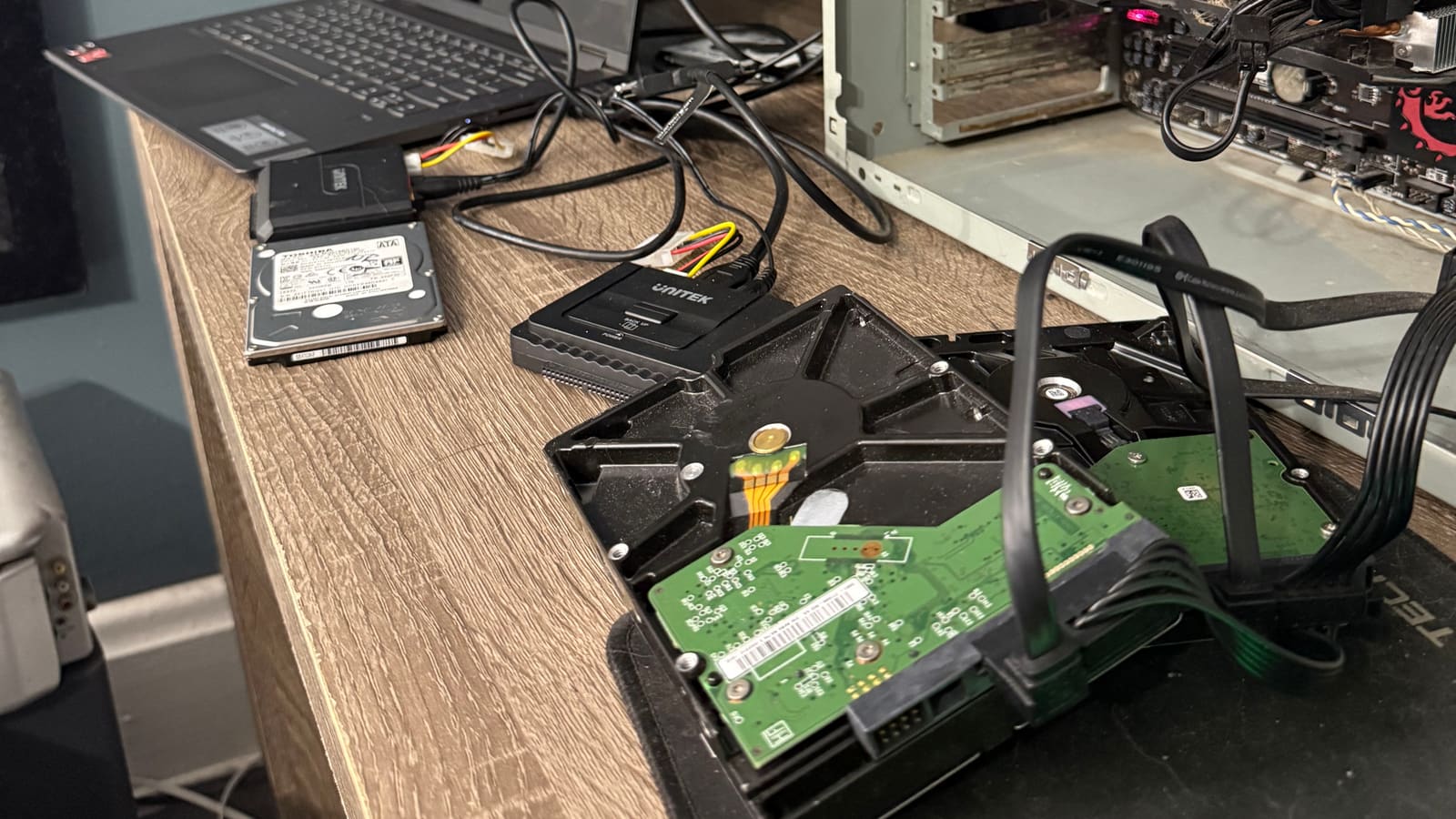
I got into data recovery the same way I get into most things: curiosity. It started with VHS tapes, figuring out how they worked, why they degraded, what it actually took to pull a signal off aging magnetic oxide. That rabbit hole led pretty naturally into hard drives, and from there into just how fragile the things we store our memories on really are.
The deeper I got, the more I wanted to understand the actual mechanics of it: the physics of magnetic degradation, how read heads fail, the specific ways an NTFS or APFS volume corrupts and what it takes to reconstruct it from raw sector data. I built workflows. I bought equipment. At some point it stopped being a rabbit hole and started being the work.
The Attic Lab is a home operation in Pittsburgh. A focused practice, not a franchise. That means you talk to the person doing the work, you get a straight answer about what's possible, and you see what's recoverable before you pay anything.
How I work
Every recovery starts with a full sector-by-sector image of the drive before any analysis begins. Working from a copy (not the original) means the source drive is never modified during the process. If a first pass doesn't capture everything, I run additional passes targeting missed sectors until I've extracted everything the drive will give up.
A hardware write blocker stays in the chain whenever a drive is connected. Nothing gets written to a drive I'm recovering from. Ever. The analysis and reconstruction work all happens on the copy. The approach is methodical by design: slow and careful recovers more data than fast and hopeful.
For tape digitization, I run maintained 4-head Hi-Fi decks and keep the heads clean between sessions. When a tape tracks badly on one machine, I try it on another — head alignment varies from deck to deck, and a tape recorded on someone's camcorder in 1994 will sometimes play noticeably cleaner on a different machine than the one I started with. That, and inspecting every tape before it goes near a transport, is most of what separates a careful capture from a rushed one.
What I do
- ✓ Logical recovery: deleted files, formatted drives, corrupted file systems (NTFS, APFS, HFS+, ext4, exFAT, FAT32)
- ✓ Mechanically degraded drives: bad sectors, slow or struggling platters, drives getting progressively worse
- ✓ PCB and USB bridge controller failures on external drives
- ✓ Partial physical recovery: drives with failing heads that still have readable platter regions
- ✓ RAID arrays (0, 1, 5): discuss the configuration first
- ✓ VHS, VHS-C, Hi-8, and 8mm tape digitization on maintained 4-head decks
- ✓ Windows, macOS, and Linux file systems
- ✓ Most major drive families: WD, Seagate, Toshiba, HGST, Samsung, Crucial, Kingston
Where I refer out
Some failures require a Class 100 cleanroom: head stack replacements, platter transplants, drives with contaminated or physically damaged media. I don't do that work, and I won't attempt it to avoid saying so. If your drive is in that category, I'll tell you and point you toward the labs that handle it: DriveSavers and Gillware are both reputable.
- — Head stack replacement (requires Class 100 environment and matched donor drives)
- — Platter transplants (same requirements; referred to the same labs)
- — Firmware-level failures on specific drive families (certain Seagate and WD models)
- — Fire-damaged drives with warped or contaminated platters
- — Encrypted drives where the key is unknown
Pittsburgh
Based in Bloomfield, in Pittsburgh. Born here, stayed here, run the lab here. It's a city that respects people who actually know how to do things, which is about all I can ask for.
Get in touch
Fill out the intake form, email me directly, or call (412) 228-0236. I respond to everything within 24 hours. If your situation doesn't fit the form, email or call anyway. The form is for convenience, not gatekeeping.